
While working in an office, it becomes crucial for you to stay as productive as possible and avoid exhaustion.
A single-screen laptop discourages you from doing so, as with multiple tabs open, you cannot focus on the project or deliver it on time, increasing the risk of mistakes, which might also anger your higher management.
Hence, we suggest you buy a laptop screen extender.
This is usually taken for granted, but the portable screen can enhance your time management skills.
How? The second screen– the extender visually separates your tasks and aligns your work, changing how you approach your routine work, ensuring that you can focus on the urgent projects.
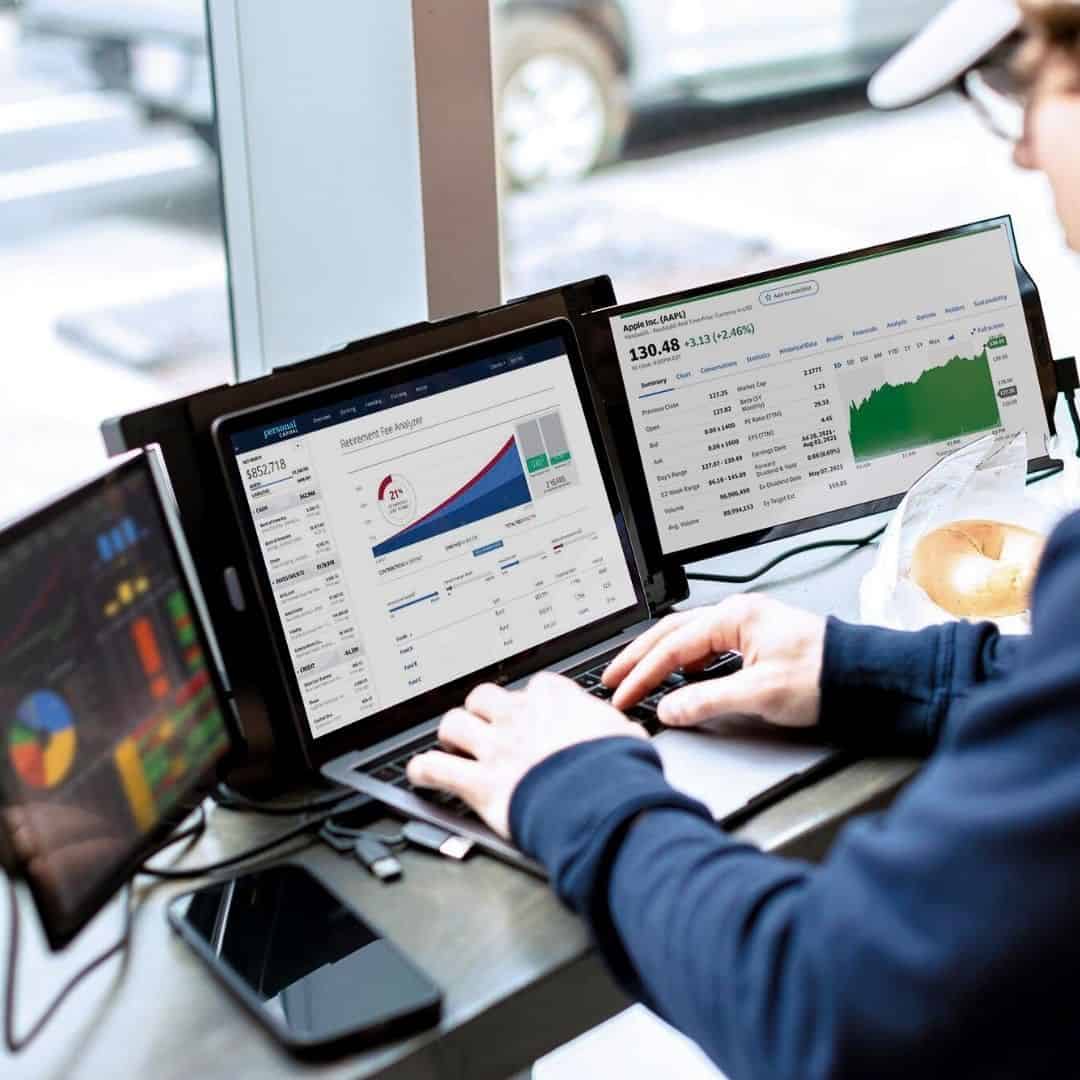
Do you find it troublesome to manage your time?
Then, it’s high time to end the problem with a Trio/ Trio Max laptop screen extender; you will love using it, and you never know, your colleagues may start envying your purchase, too.
So, let’s discuss the several benefits of using a laptop screen extender for managing time.
The Time-Consumption of Solo-Screen
Imagine creating a presentation and preparing a document version of the slides on a single screen; imagine what will happen.
Your to-do list might be under a not-taking application, calendar squeezed far away, and your current projects scattered across tabs and communication channels, where many messages await your response.
Trying your best to cater to everyone can still leave out a few things, leaving a wrong impression on your other colleagues.
In reality, you were continuously switching between the necessary work applications to meet deadlines, update task statuses, or mark scheduled projects, consuming a lot of time and energy.
Dual Screens
Dual screens or the laptop screen extender act as a visual command centre for your time, as they create a digital space for you to organize your tasks, letting you do the following
Keep Your To-Do List Visible
Recall how your to-do lists used to get buried under other tasks, but with a laptop screen extender, the list will be permanently visible to you on one screen, while you can use the secondary screen to view other files. The constant flashing assists you in remembering deadlines and marking them complete as soon as you finish them.
Track Your Calendar
Gone are the days when you had to go back and forth to track your calendar and still made blunders, as with the second screen, you can keep your calendar open. This permits you to manage your time, predict upcoming meetings and deadlines, and shift tasks for scheduling without switching tabs.
Visualize Project Timelines
Even if you have a project-based work, the screen extender offers the space to display tools revolving around project management. For instance, Gantt charts or visual representations of task dependencies. This kind of view assists you in understanding the essential path, distributing your time, and identifying where you can get stuck.
Laptop Screen Extenders
These screen extenders take the lead in being portable, adding another layer of advantage for time management, so even if you have to go to a different venue for a meeting, you don’t have to think twice:
Consistent Prioritization Setup
Regardless of the destination, you can set the same dual-screen with your tasks list and calendar right in front of you. In this way, you can consistently manage time without pausing your workflow.
On-the-Go Time Management
Even if you have called in to work from home, the arrangement assists you in maintaining a structured approach, promising that you will stay focused despite the change of environment.
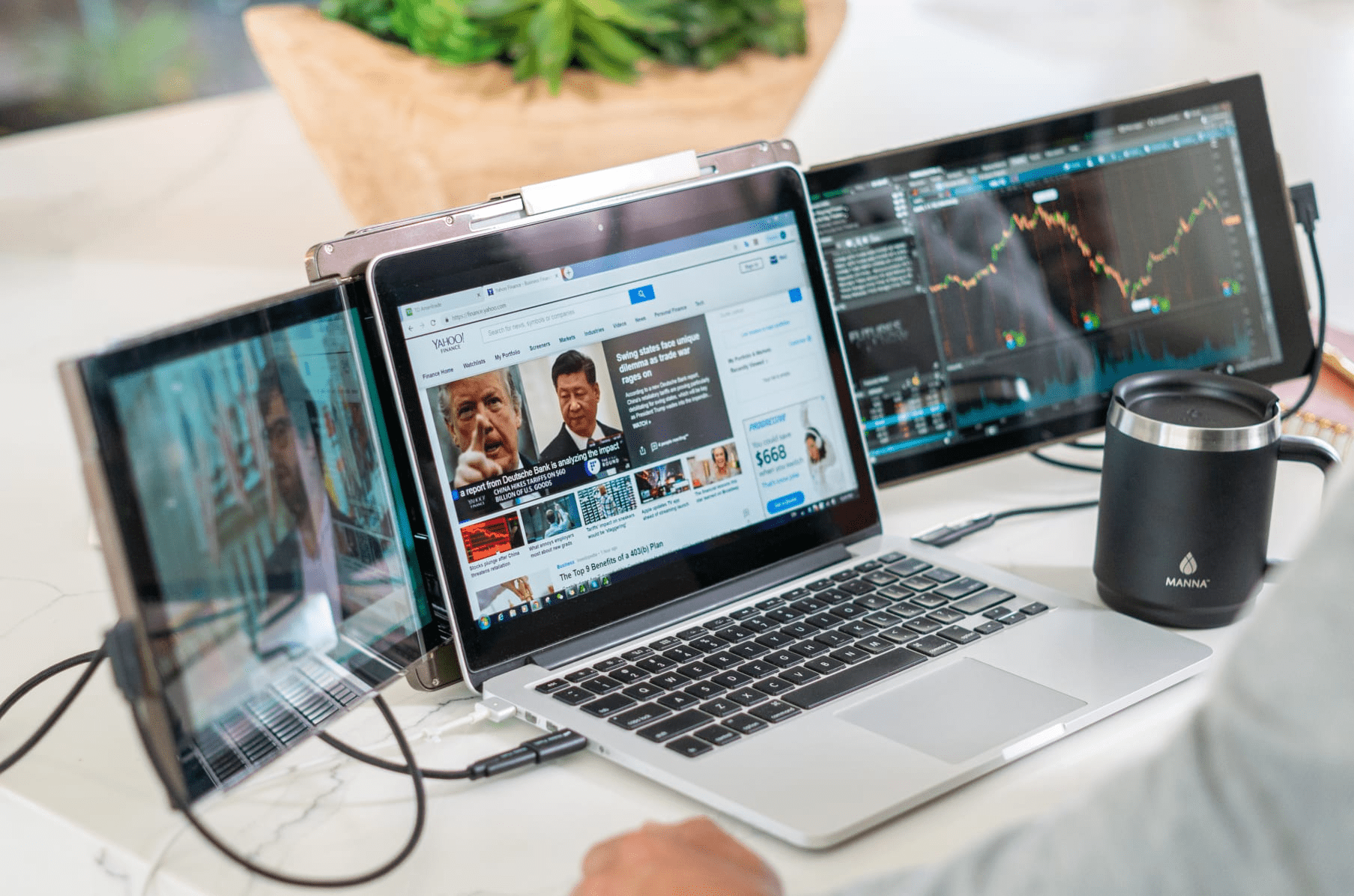
Strategies For Using Screen Extender For Time Management
Avoid assuming that only getting two screens will magically wipe away your time management issues. No, as you have to use the screen extender wisely to achieve your objective of managing time:
Designate Screen
You must designate one screen for planning and monitoring. Use it to view your calendar and to-do lists, maintain your project management dashboards, and access any other vital tools that assist you in monitoring the burden of your work.
Other Screen For “Execution”
Since you assigned one screen for viewing your to-do lists, the other screen can be for the execution of projects. Use the second screen for primary work applications, allowing you to focus on your work without reminders. As a result, you can impress your boss by handing over the project way before the deadline.
Color-Coding and Visual Cues
If you have to use color-coding and other visual cues, feel free to proceed on the screen you titled for planning, where you can highlight crucial or high-priority items.
Review Your Prioritized List
Review your prioritized list daily. This means you can review once, twice, or multiple times throughout the day. Use the time to review that list on your secondary screen and adjust your urgency accordingly.
Decrease Non-Essential Information
Reduce unnecessary information, close tabs on your planning screen to avoid digital clutter, and focus on the major tools and data that affect your time management skills.
Conclusion
The benefits might have attracted you to invest in a laptop screen extender. Hence, proceed ahead and witness how technology improves your professional life.